

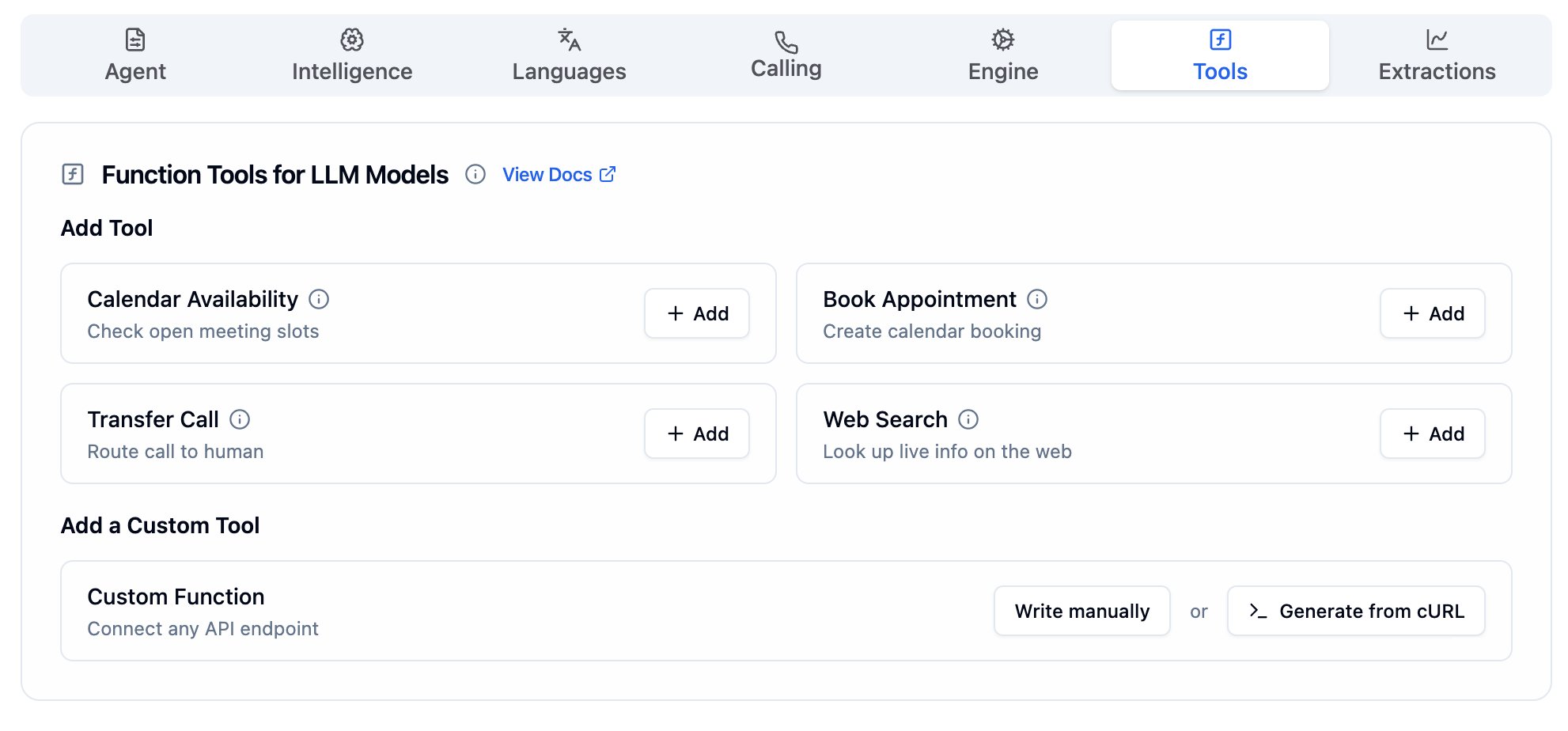
Tools Tab with the built-in tools and the Custom Function section
Built-in tools
Bolna provides ready-to-use tools for common voice agent workflows. Click + Add next to any tool to enable it for your agent.Calendar availability
Book appointment
Transfer call
Web search
Custom function
Custom functions
For integrations beyond the built-in tools, use Custom Functions to connect any API endpoint. You can create a custom function in two ways: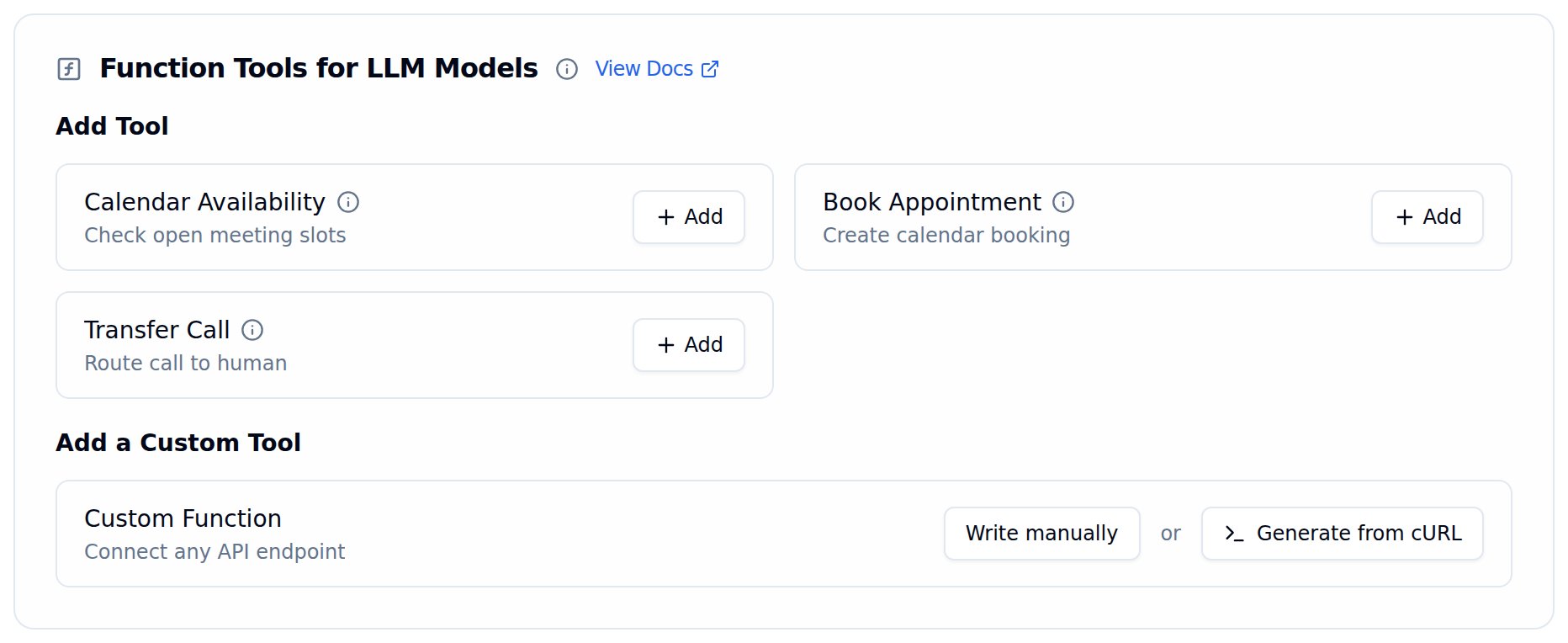
Function Tools card with the Add a Custom Tool section at the bottom
Write manually
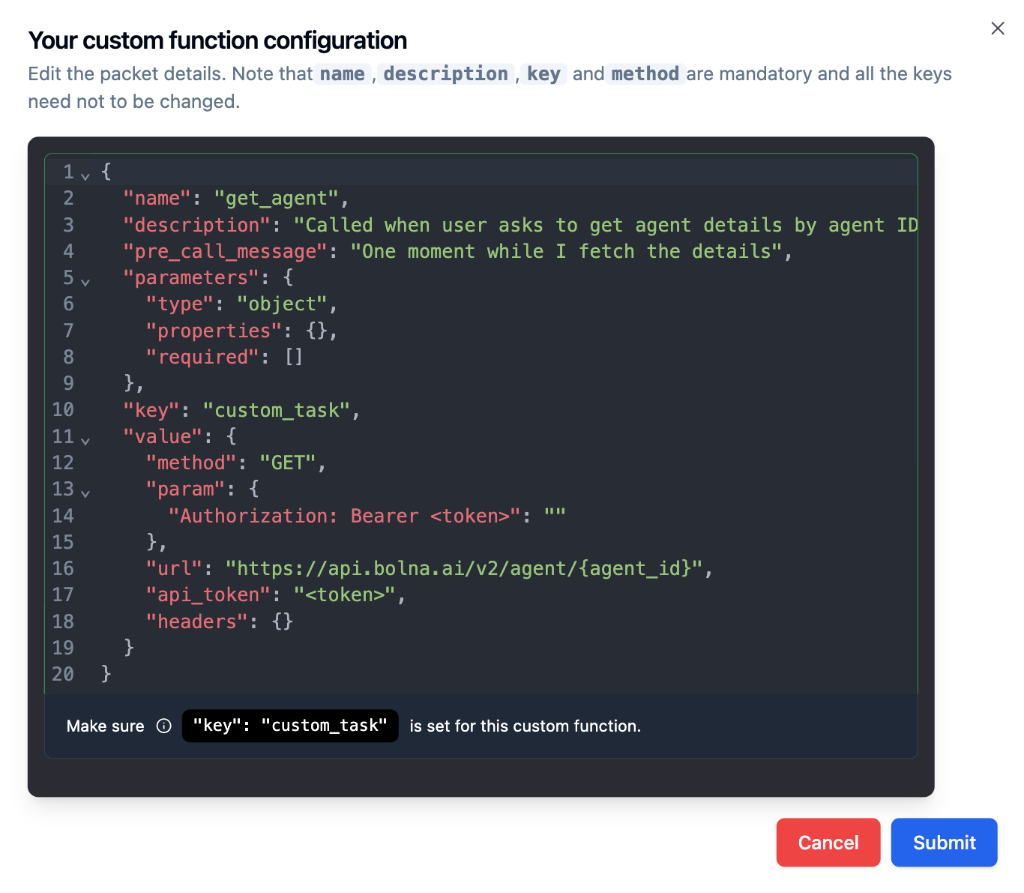
Click Write manually to open a JSON editor where you define the function schema from scratch. This gives you full control over the function name, description, parameters, and API configuration.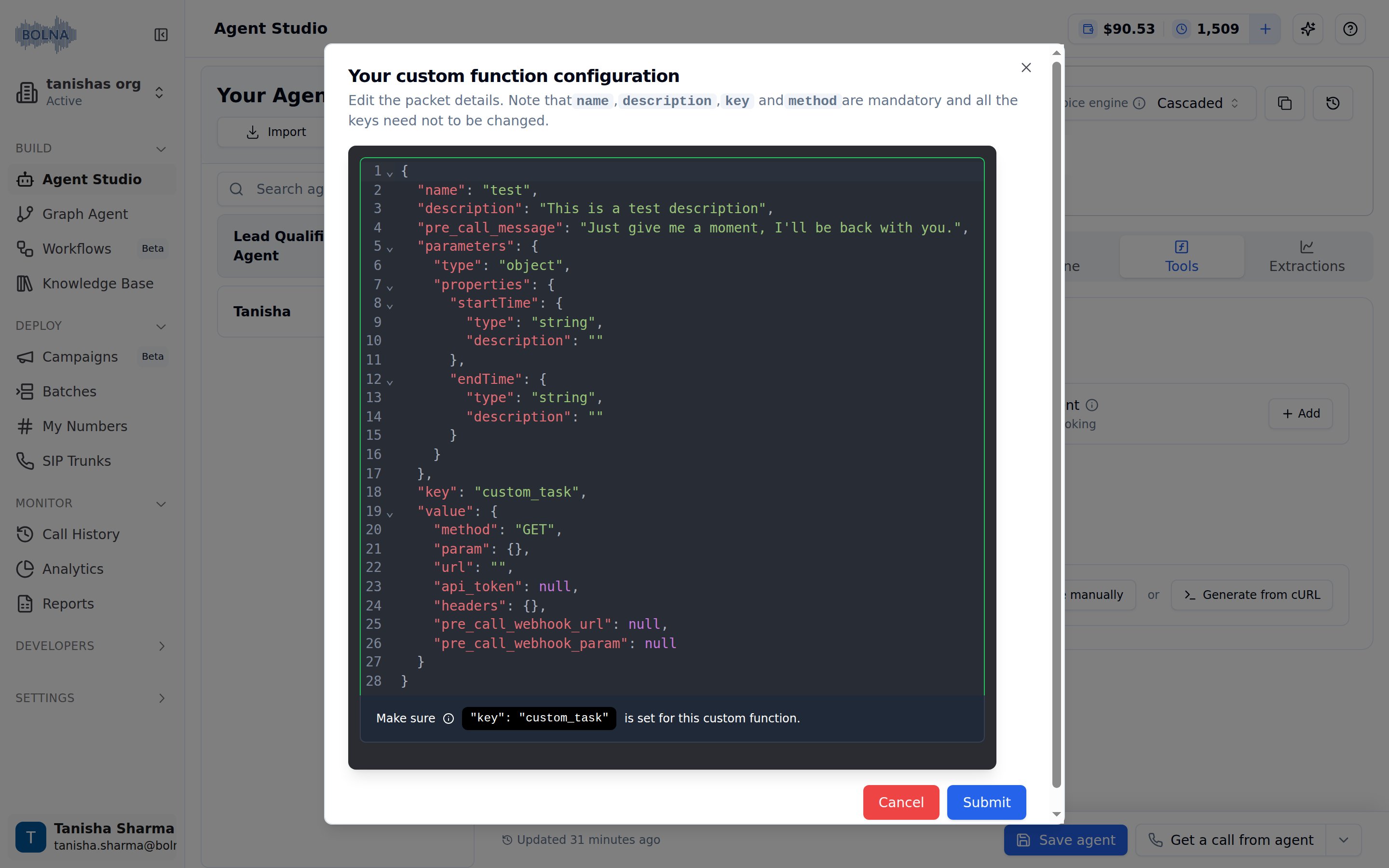
Your custom function configuration editor with the default schema
The fields
name, description, key, and method are mandatory. The key must always be set to "custom_task". Do not change this value.Generate from cURL
Click Generate from cURL to paste an existing cURL command. Bolna will parse the request and auto-generate a function schema that you can review and edit before adding it to your agent.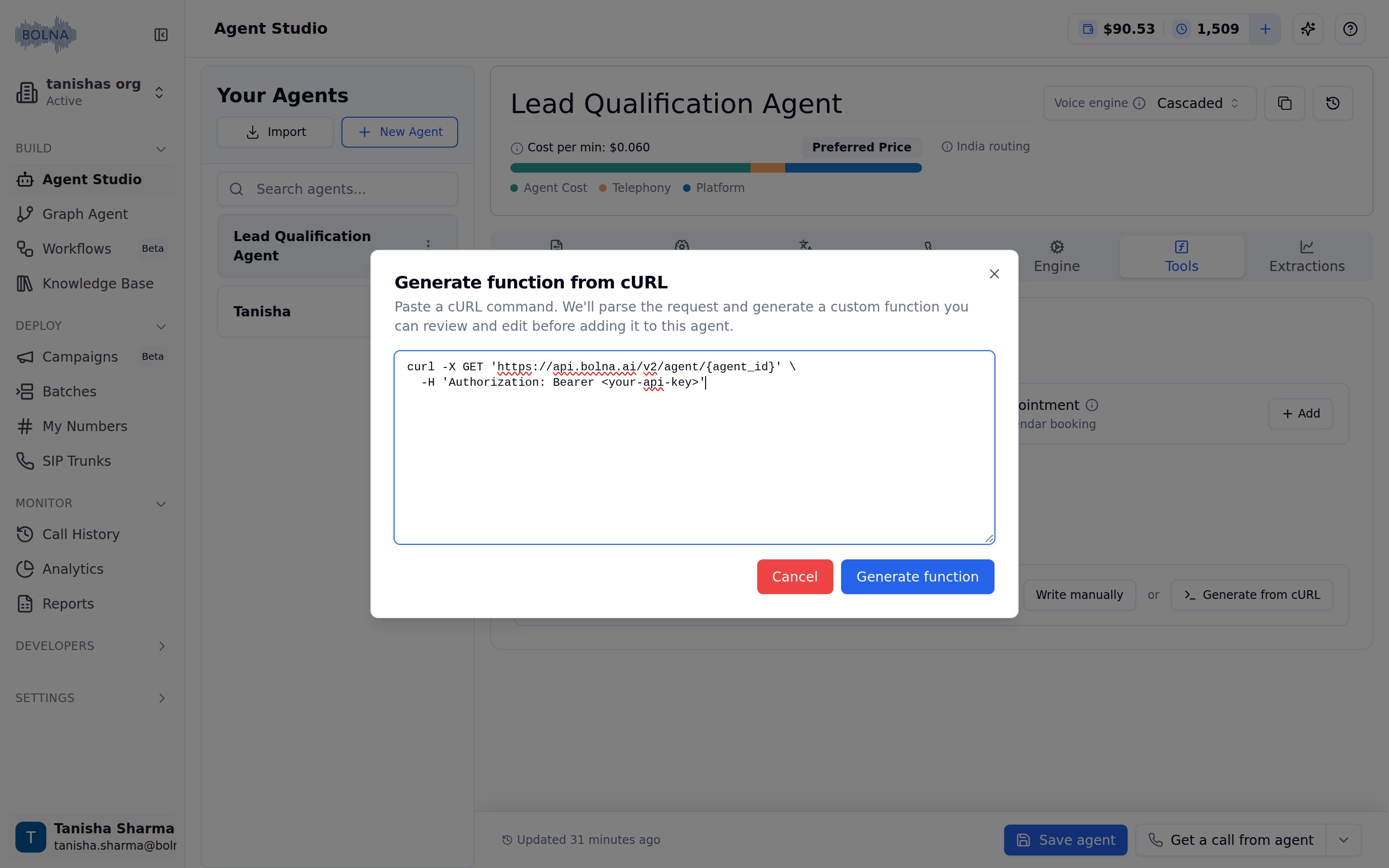
Generate function from cURL dialog with a pasted cURL command
Generated custom function configuration from a cURL command, showing the parsed function with auto-populated name, description, method, URL, and authentication fields
Pre-call webhook (optional)
Each custom tool also has two optional inputs to fire a pre-call webhook before the tool’s main API call runs:- Pre-call webhook URL — the endpoint to notify. If left blank, the agent-level Webhook URL is used.
- Pre-call webhook parameters — the JSON body template, with
%(field)ssubstitution for the tool’s arguments. Leaving this empty disables the pre-call webhook.
The built-in Transfer Call tool supports the same pre-call webhook fields via a Send a pre-call webhook before transfer toggle in its configuration modal.