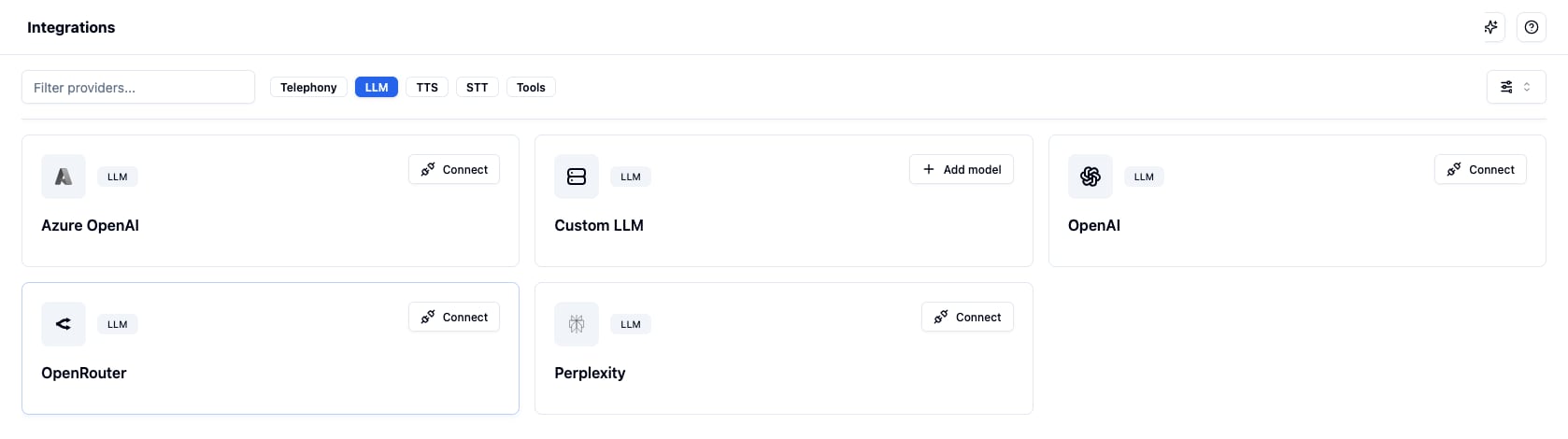
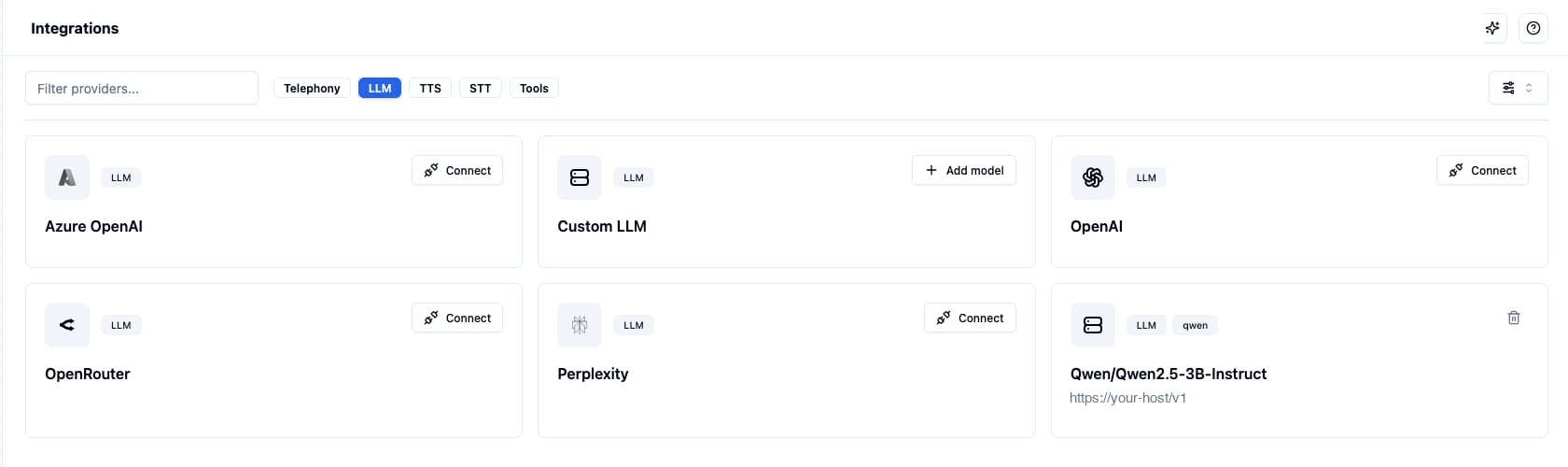
Connect your own self-hosted or third-party OpenAI-compatible model and use it on Bolna Voice AI agents
Bring your own model by pointing Bolna at any endpoint that speaks the OpenAI chat completions API. Your endpoint can run anywhere: vLLM, Ollama, SGLang, TGI, a LiteLLM proxy, or a hosted provider such as Together or OpenRouter. Bolna calls it the same way it calls OpenAI, only at your URL and with your key.Your endpoint has to serve POST {base_url}/chat/completions, stream OpenAI-format deltas, accept a bearer token and resolve to a public address. See Custom LLM for the full compatibility contract and the config reference.
Registration is refused when Bolna can prove the configuration is wrong:
The endpoint URL must resolve to a public address. Private, loopback and link-local addresses are rejected.
If the endpoint rejects the API key, you get The endpoint rejected this API key.
If the endpoint publishes a model list that does not include your model name, the error names what it does serve.
A model name must be unique within the scope that owns it, because an agent resolves its custom model by name. A duplicate is refused before the endpoint is contacted.
If the endpoint cannot be reached at all, for example because a serverless deployment has scaled to zero, the model is still saved. Verification is best effort and cannot guarantee that a model will be reachable later.
Delete a model from its card on the Integrations page. A model that is still selected on an agent cannot be deleted: the error names the agents using it, so you can point them at another model first. This applies to every agent config, including graph agent nodes.Deleting a model also removes the stored API key.
A custom model belongs to the scope it was created in:
A model added on your main account is available to the account and to all of its sub-accounts.
A model added inside a sub-account is available only in that sub-account. It is not visible to the main account or to other sub-accounts, and neither can delete it.