Purchase dedicated US and Indian phone numbers from the Bolna dashboard — US numbers via Twilio, Indian numbers via Plivo or Vobiz, at $5/month each.
Buy dedicated phone numbers directly from the Bolna dashboard. Each number costs $5/month, billed as a recurring subscription from your Bolna wallet balance.
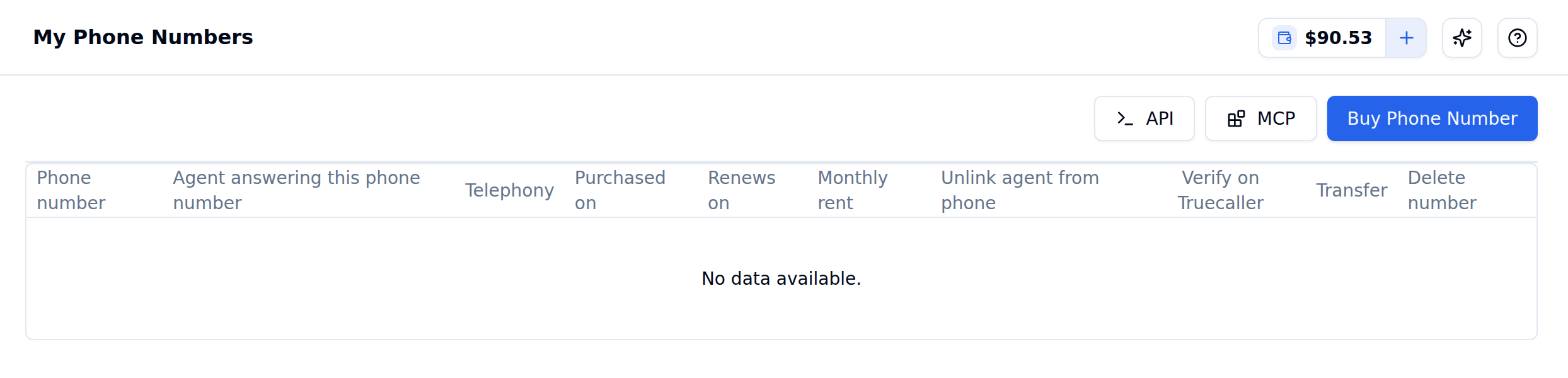
My Phone Numbers page with the Buy Phone Number button
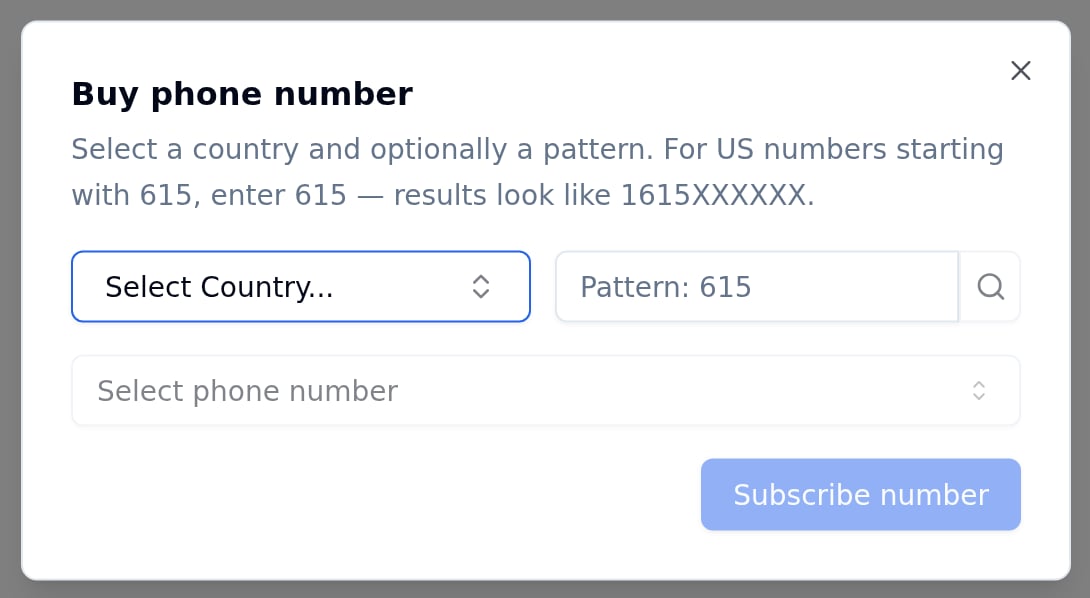
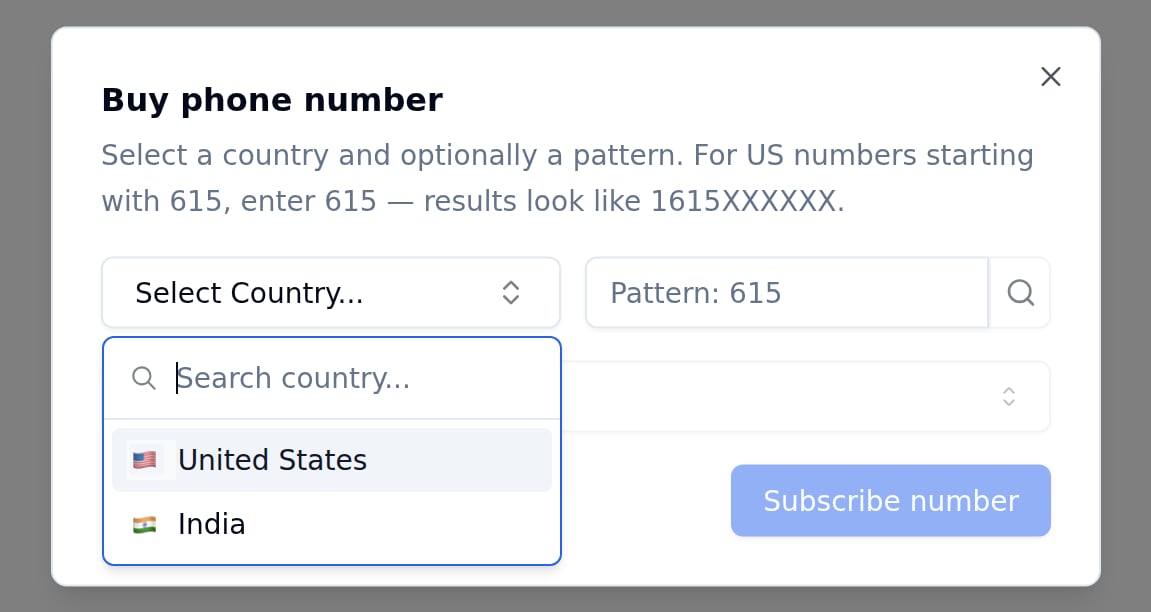
US numbers are provided through Twilio. You can search for numbers by area code pattern.
1
Enter a Pattern (Optional)
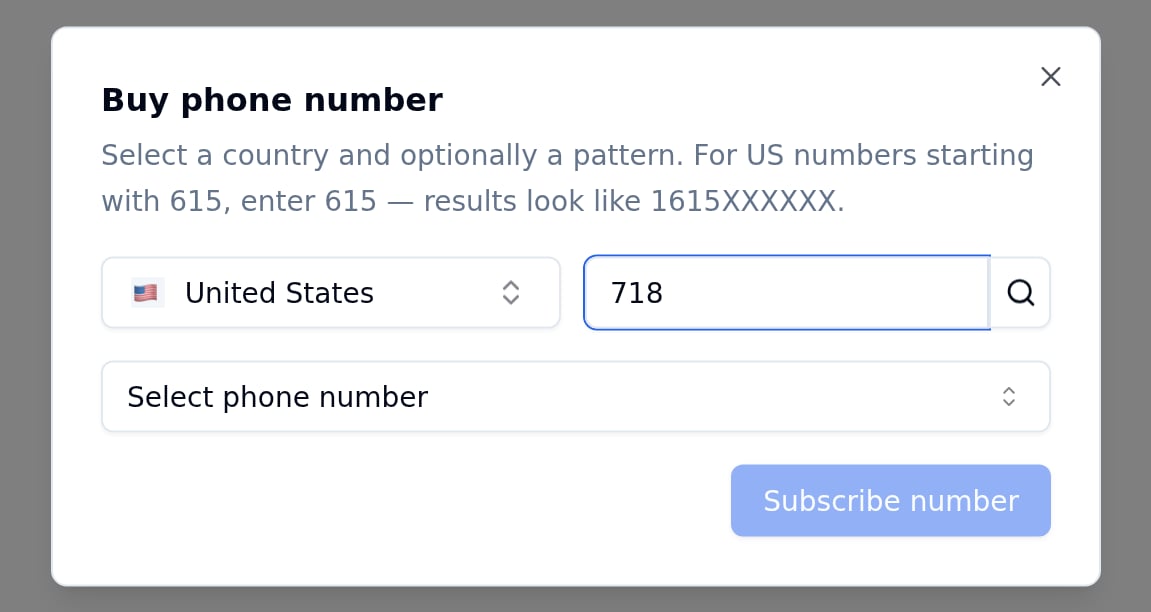
Type an area code in the Pattern field and click the search icon beside it to filter results. For example, enter 718 to find numbers containing that prefix. Results appear in the format 1718XXXXXXX.
US selected with pattern 718 entered
2
Select a Phone Number
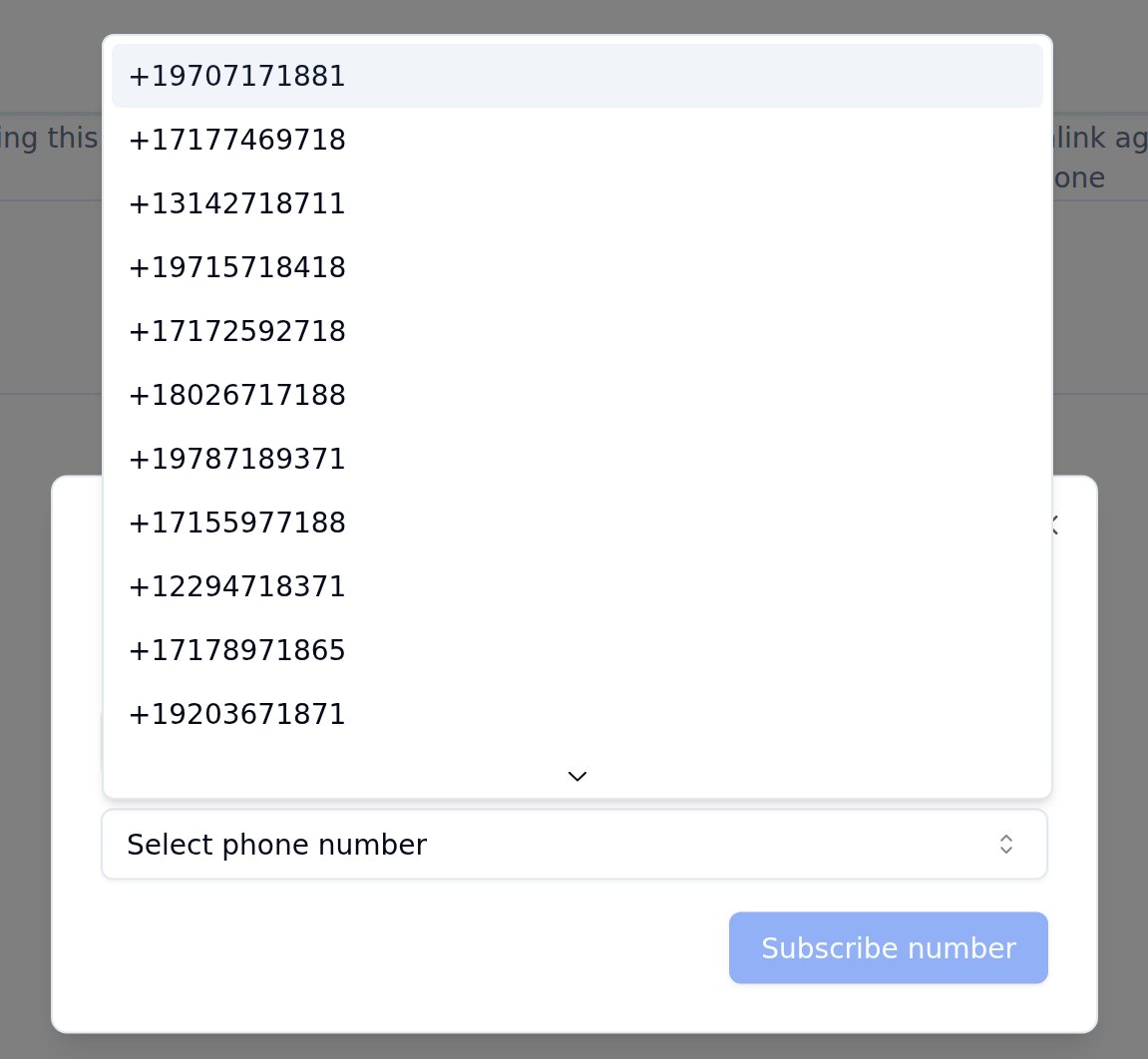
Click Select phone number to browse available numbers. Pick one from the list.
Available US phone numbers matching the 718 pattern
3
Subscribe
Once you pick a number, click Subscribe number to complete the purchase. The $5 monthly subscription cost is deducted from your wallet balance.
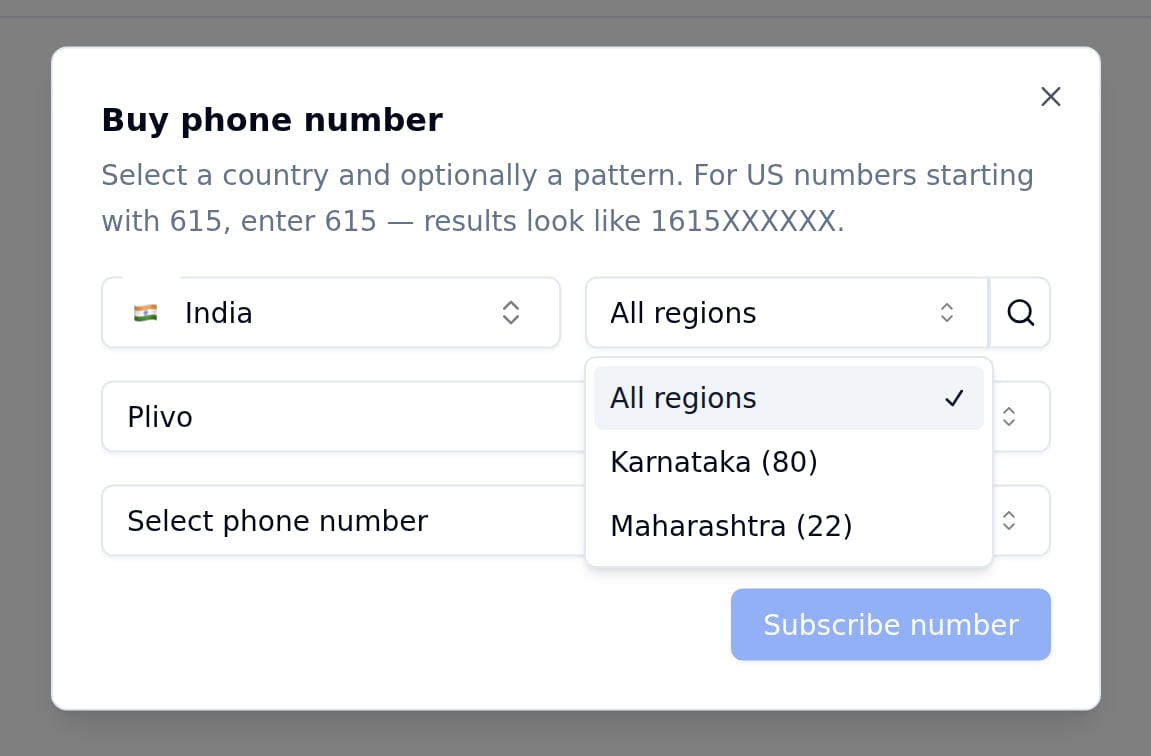
Indian numbers require compliance verification. When you select India, the purchase flow changes: the Pattern field is replaced by a region selector that defaults to All regions, and you must choose a telephony provider.
Plivo
Regions: Karnataka (80), Maharashtra (22)
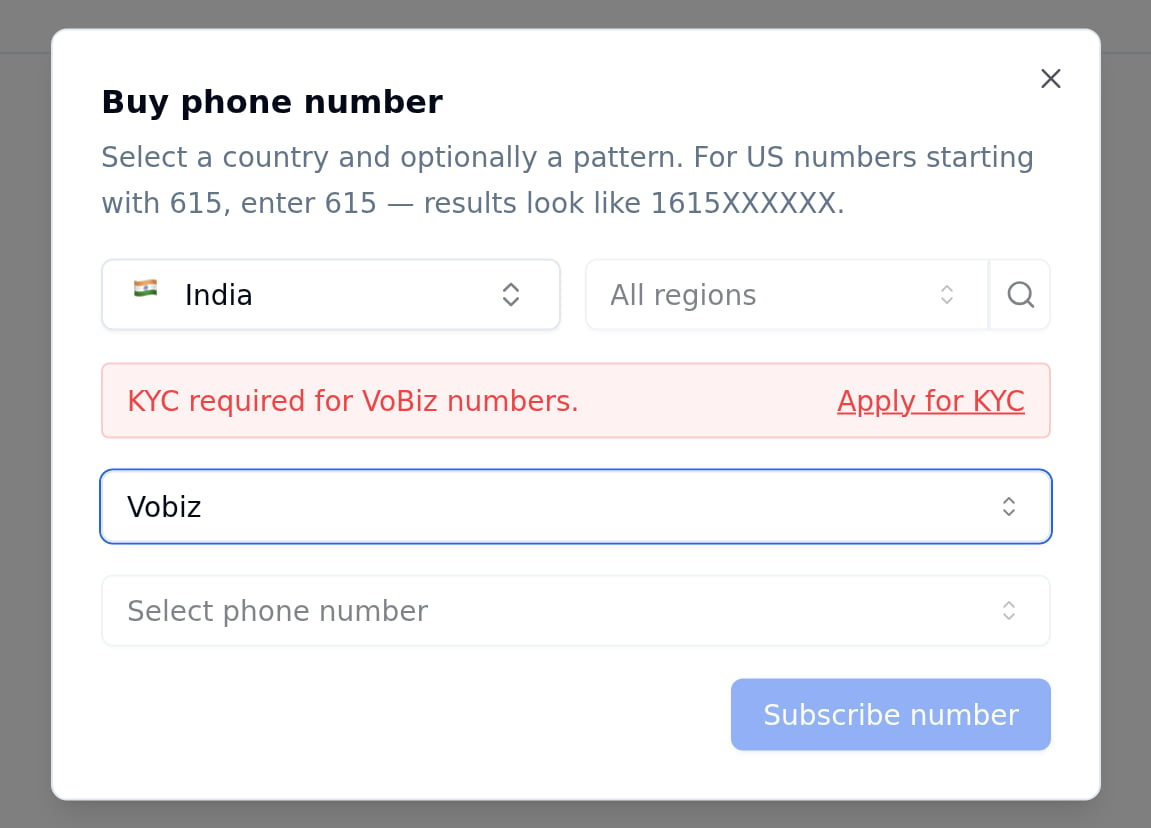
Vobiz
Requires KYC approval — available regions are shown once your KYC is approved
The region code appears after +91 in the phone number. For example, a Karnataka number looks like +9180XXXXXXXX.
India selected with Vobiz provider before KYC approval
Until your KYC is approved, picking Vobiz shows a KYC required for VoBiz numbers banner with an Apply for KYC link, and the region and number dropdowns stay disabled. KYC is submitted from the Vobiz KYC tab of Organisation settings.
1
Select a Provider
Choose Plivo or Vobiz from the provider dropdown.
2
Pick a Region
Select a region from the dropdown, or leave it on All regions to see all available numbers.
3
Select and Subscribe
Pick a number from the list and click Subscribe number.
Indian numbers require compliance approval. You may need to submit identity documents before your number is activated.
All phone numbers cost $5/month as a recurring subscription. The amount is deducted automatically from your Bolna wallet balance each month on the renewal date.
Phone number charges are separate from call charges. The $5/month covers only the number itself. Per-minute telephony and provider costs are billed separately when you make or receive calls.
View call pricing for details on per-minute call costs and telephony charges.
Delete a number you no longer need from the My Numbers table.
1
Click the delete icon
Find the number in the table and click the trash icon in the Delete number column.
2
Confirm the terms
The confirmation dialog shows the number you are about to delete and asks you to tick I have read and understood the above, and I agree that this deletion is permanent and non-refundable. The Delete button stays disabled until you tick the box.
3
Delete
Click Delete. The number is released from your account immediately.
Deletion is permanent and takes effect immediately. Once deleted, neither you nor our support team can recover the number. No refund is issued for a deleted number, including for any unused portion of the current cycle. You will not be charged in the next cycle.
If the number has a Truecaller status of Pending, Active, or Delisting Pending, the dialog flags that status before you confirm. See Truecaller Verification for what each state means.