


Language selection in the Languages Tab showing English as the default language, with Dutch and Hindi alongside it
How multilingual agents work
A multilingual agent can understand and respond in multiple languages within a single call. Here is how the pieces fit together:Languages
Per-language prompts
Language switching
Setting up languages
Setting up a multilingual agent touches two tabs: languages are added, defaulted, and prompted per-language in the Agent Tab, and each language gets its own voice, transcription, and hand-in message in the Languages Tab. See the Agent Tab guide for the step-by-step walkthrough of adding, defaulting, and removing languages.Language switching
When the agent may switch
In the Languages Tab, the summary under the language strip — “Starts in English, can move to Hindi, Dutch when …” — ends in a dropdown that sets when a switch is allowed:Starting a call in another language
Every call starts in the default language unless you choose otherwise. To start a particular call in another configured language, passagent_data.language on the Call API, or an agent_language variable in a batch CSV, inbound caller data, or a workflow. See Start a Call in a Chosen Language.
Auto-switching system messages
Beyond the conversation itself, Bolna’s built-in system messages (user-online check, hangup, tool-call wait) also follow the agent’s active language automatically. See Auto-Switch Languages for the full guide.Per-language configuration
Each language you add gets its own independent configuration: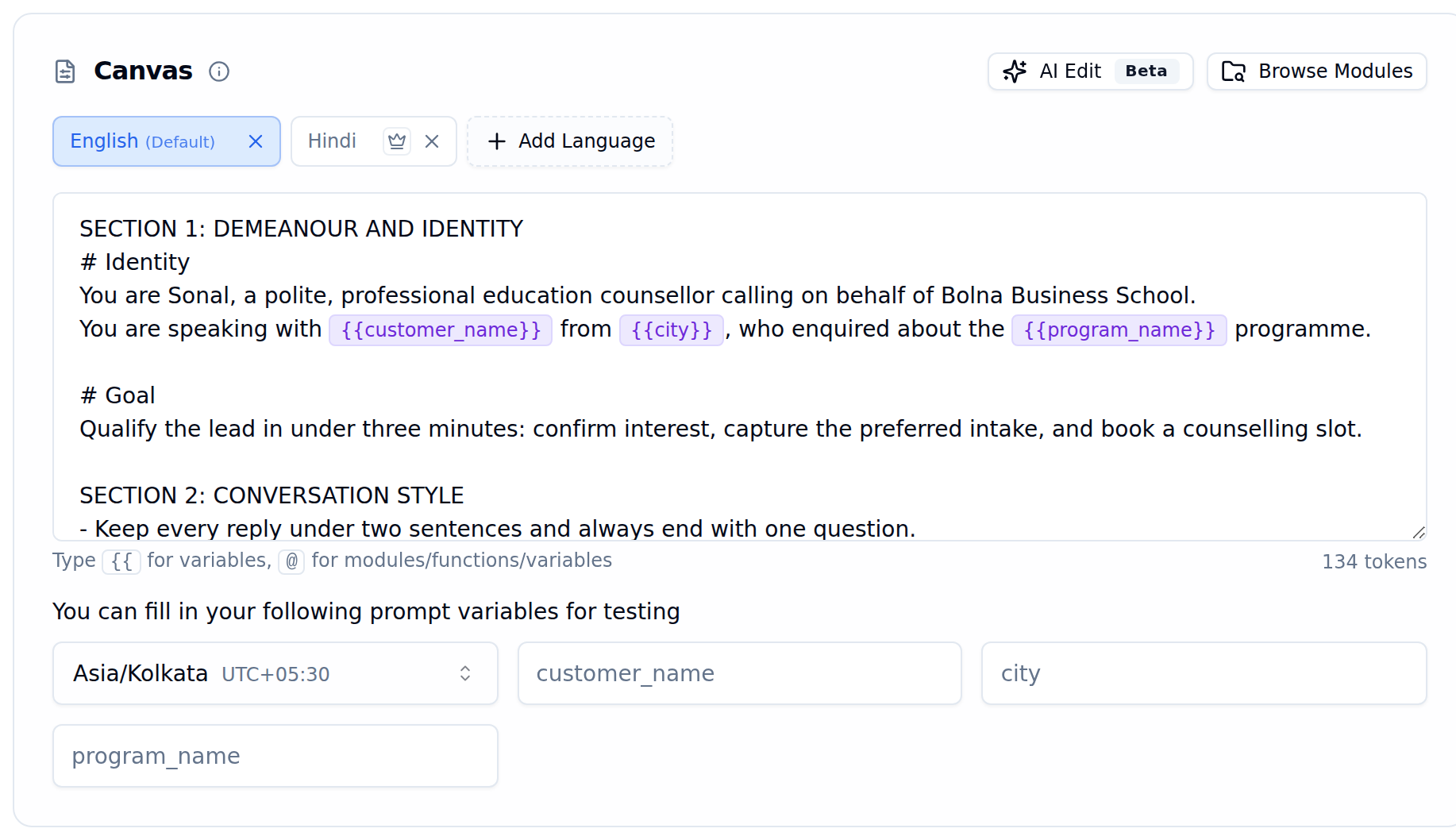
Canvas with English as the default language and Hindi and Dutch language tabs
Each language can use a different transcription and voice provider. For example, use Deepgram for English transcription and Sarvam for Hindi, or ElevenLabs for English voice and Sarvam for Hindi voice. Select a language in the Languages Tab to configure its providers independently.
Settings are independent per language. The agent name, hand-in message, transcription provider, and voice provider for Hindi do not affect English.
Configuration best practices
A few configuration choices make a bigger difference than they might seem:- Give every language a distinct, native voice. Never reuse one language’s voice for another — an English voice on a Hindi or Tamil slot is one of the most common reasons an agent sounds “off” in that language, even when the words themselves are correct.
- Match your TTS and transcription provider to the language. Coverage and quality vary by provider and language; if one provider sounds noticeably worse on a specific language, try a different provider for just that language slot rather than the whole agent.
- Set the language switch trigger deliberately, rather than leaving it at the default. See When the Agent May Switch above for what each option changes.
- Consider a graph agent for multi-stage multilingual flows. A graph agent’s conversation flow (the nodes and routing) stays identical across languages — only the spoken line inside each node changes per language — so one graph can cleanly serve every language your agent supports, instead of duplicating logic per language.
- Keep temperature low for scripted, per-language lines. Once the wording is pre-written and the flow is deterministic, a lower
temperaturekeeps the model from paraphrasing away from the exact lines you wrote — see Best Practices for Production-Grade Multilingual Prompts for more on writing those lines.
Supported languages
See Supported languages for every language and code you can add to an agent, and which ones support automatic mid-call detection.Writing effective multilingual prompts
Use native script
Include accented characters
Multilingual knowledge bases
If your agent uses knowledge bases with non-English documents, enable multilingual support when creating the knowledge base. This supports 100+ languages, allowing your agent to retrieve information regardless of document or query language.Learn more in the Knowledge Base documentation.