Set up Bolna Voice AI agents to answer incoming calls. Assign phone numbers, configure settings via the dashboard or API, and enhance customer interactions.
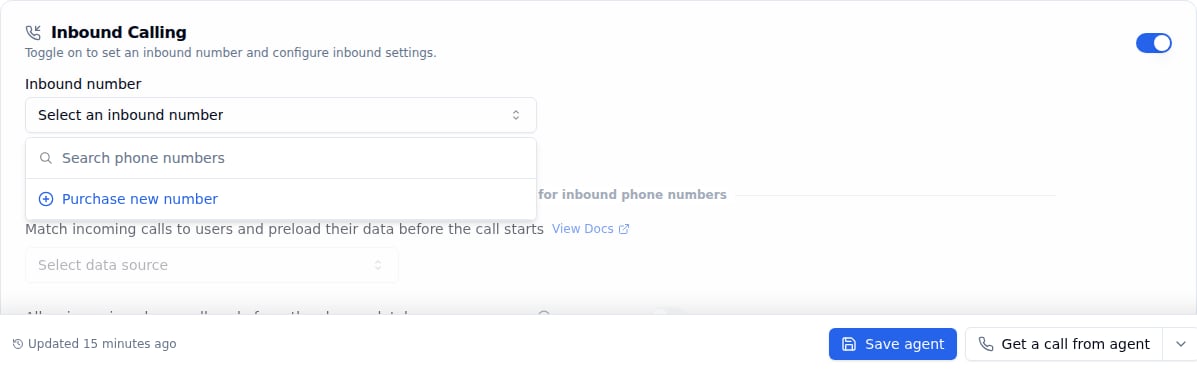
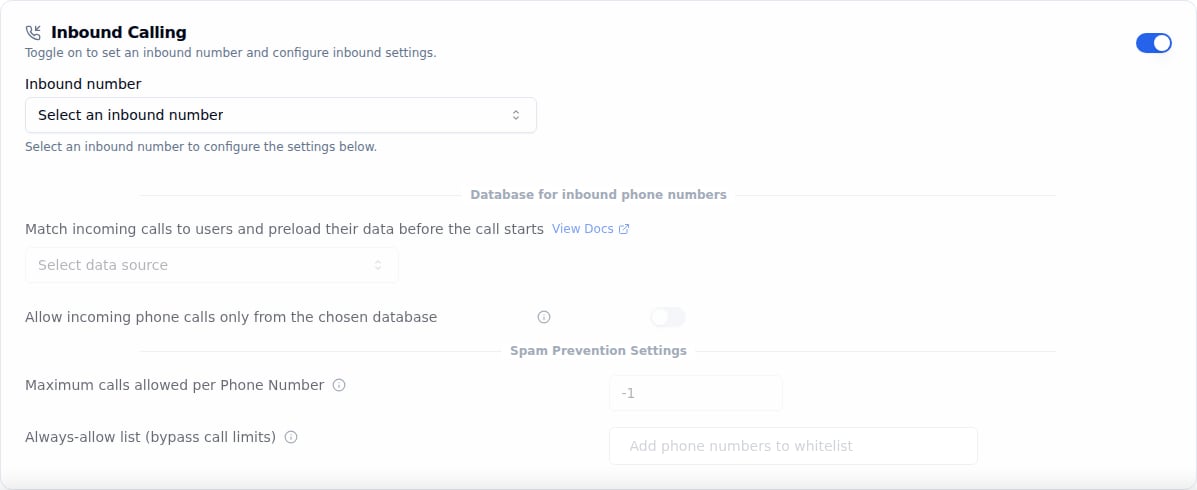
To handle incoming calls with your Bolna Voice AI agent, you need to assign a phone number to your agent. When someone calls that number, your agent will automatically answer and have a conversation based on your configured prompts and settings.
You will need to assign a phone number to your Bolna Voice AI agent for automatically answering all incoming calls on that phone number
Method 3. Connect your own carrier over a SIP trunk.
Point numbers from your own SIP carrier at Bolna with a SIP trunk. Trunk numbers appear in the Inbound number dropdown below with your other numbers, and you can also assign their agents on the trunk’s Numbers tab. Over the API, a trunk number is not listed by /phone-numbers/all: assign its agent with PATCH /trunk/numbers/{number_id} instead of the API steps below. See Receive calls on a SIP trunk.