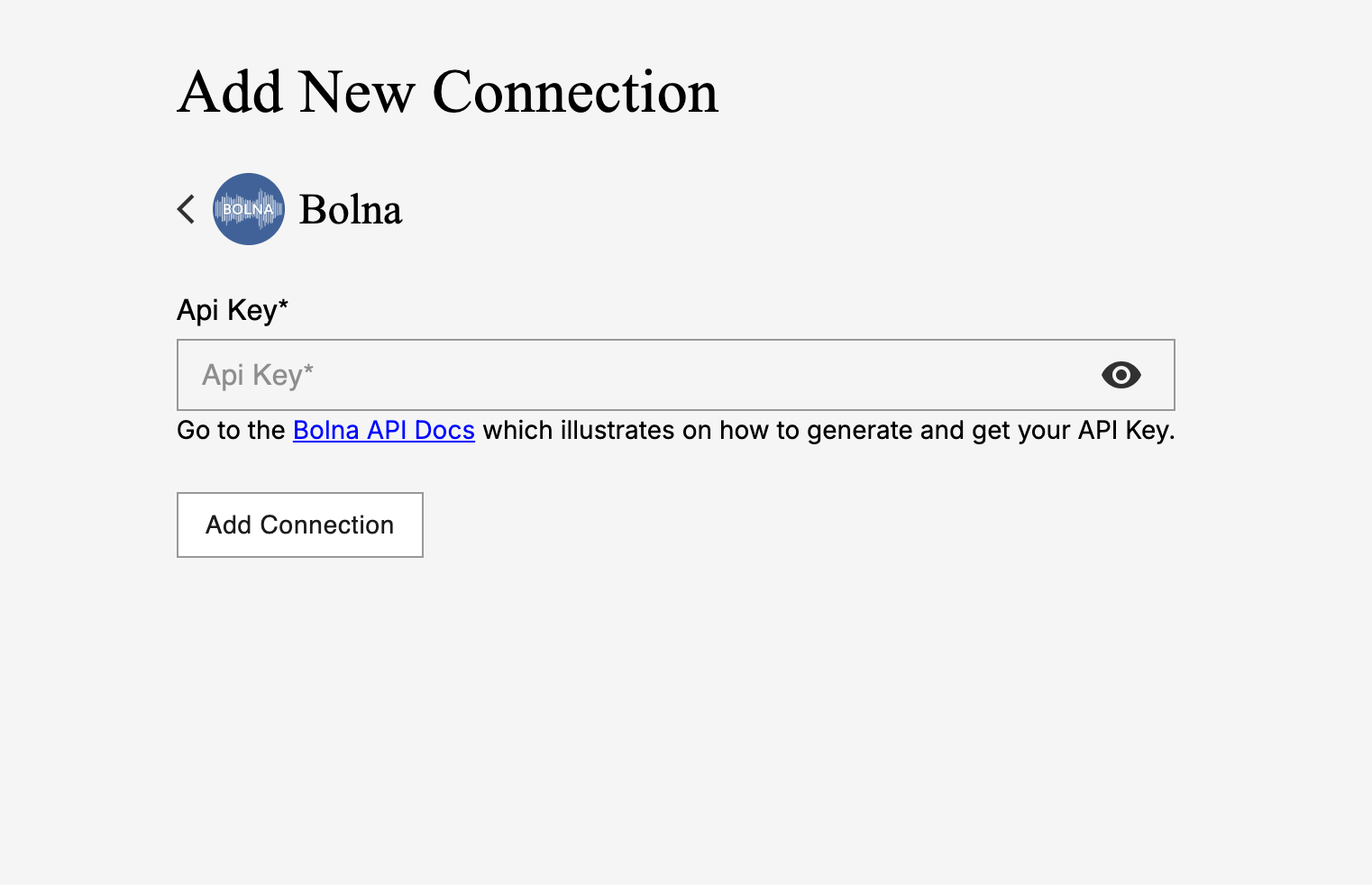
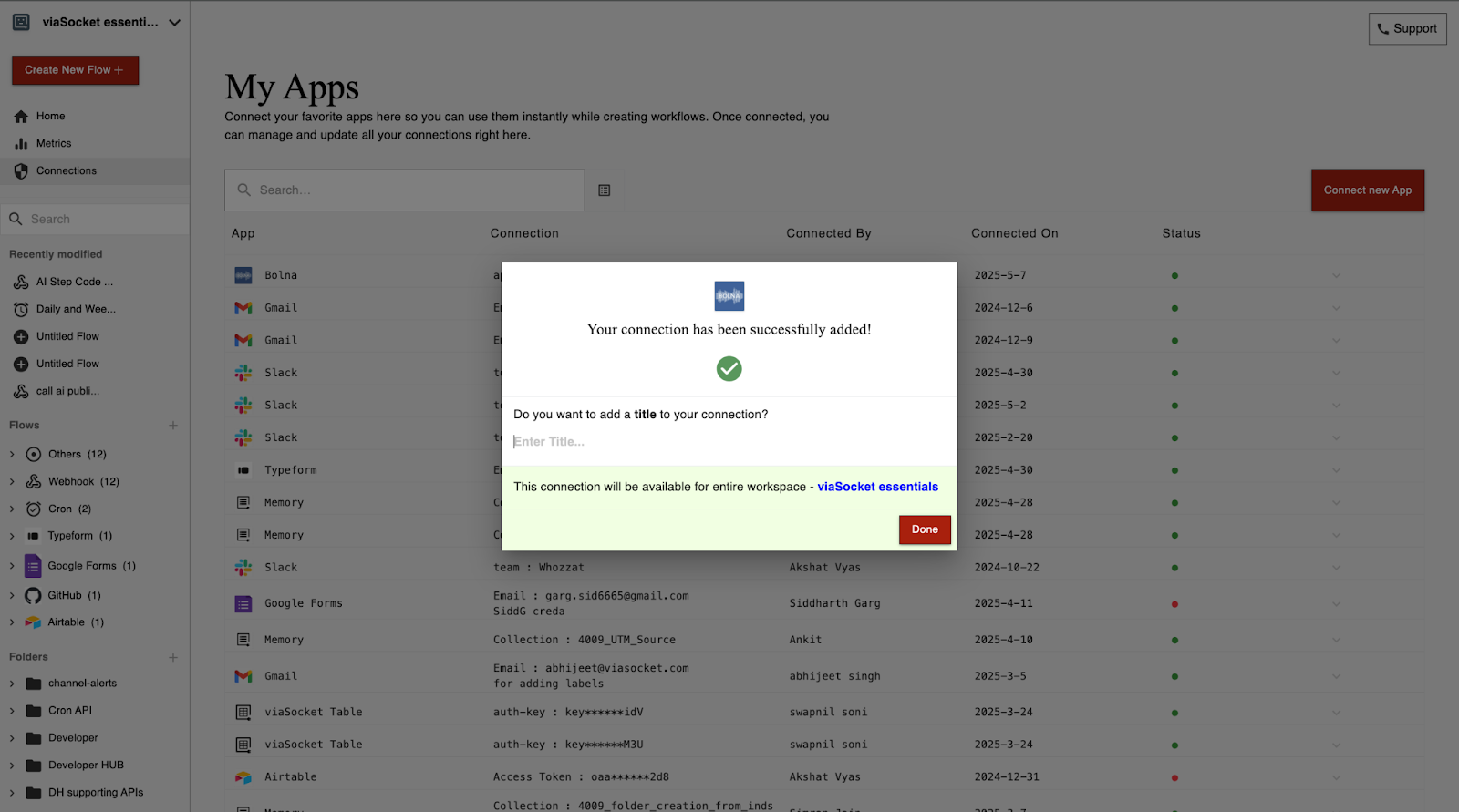
Step-by-step guide to integrating Bolna Voice AI with viaSocket by creating an API connection, enabling efficient workflow automation.
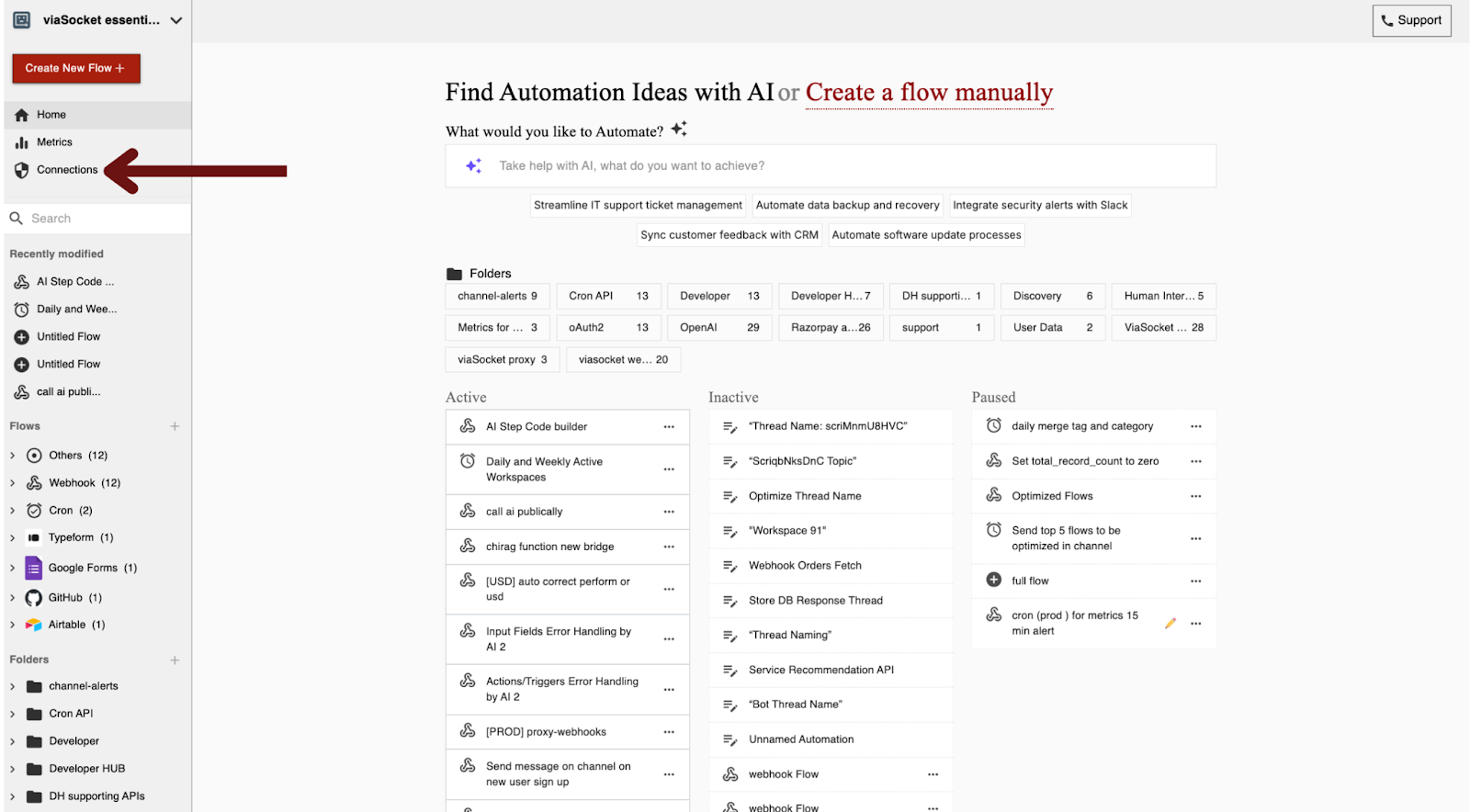
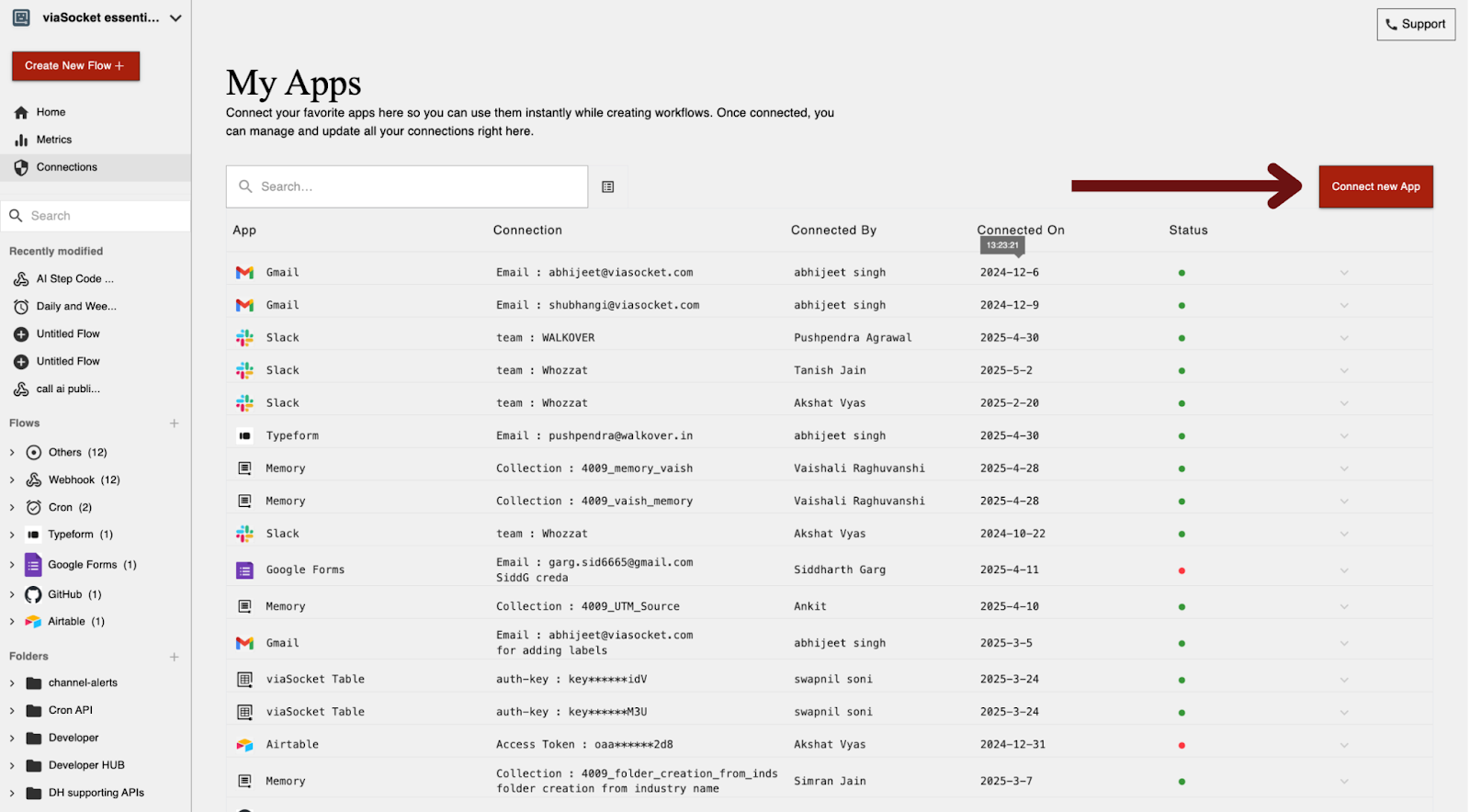
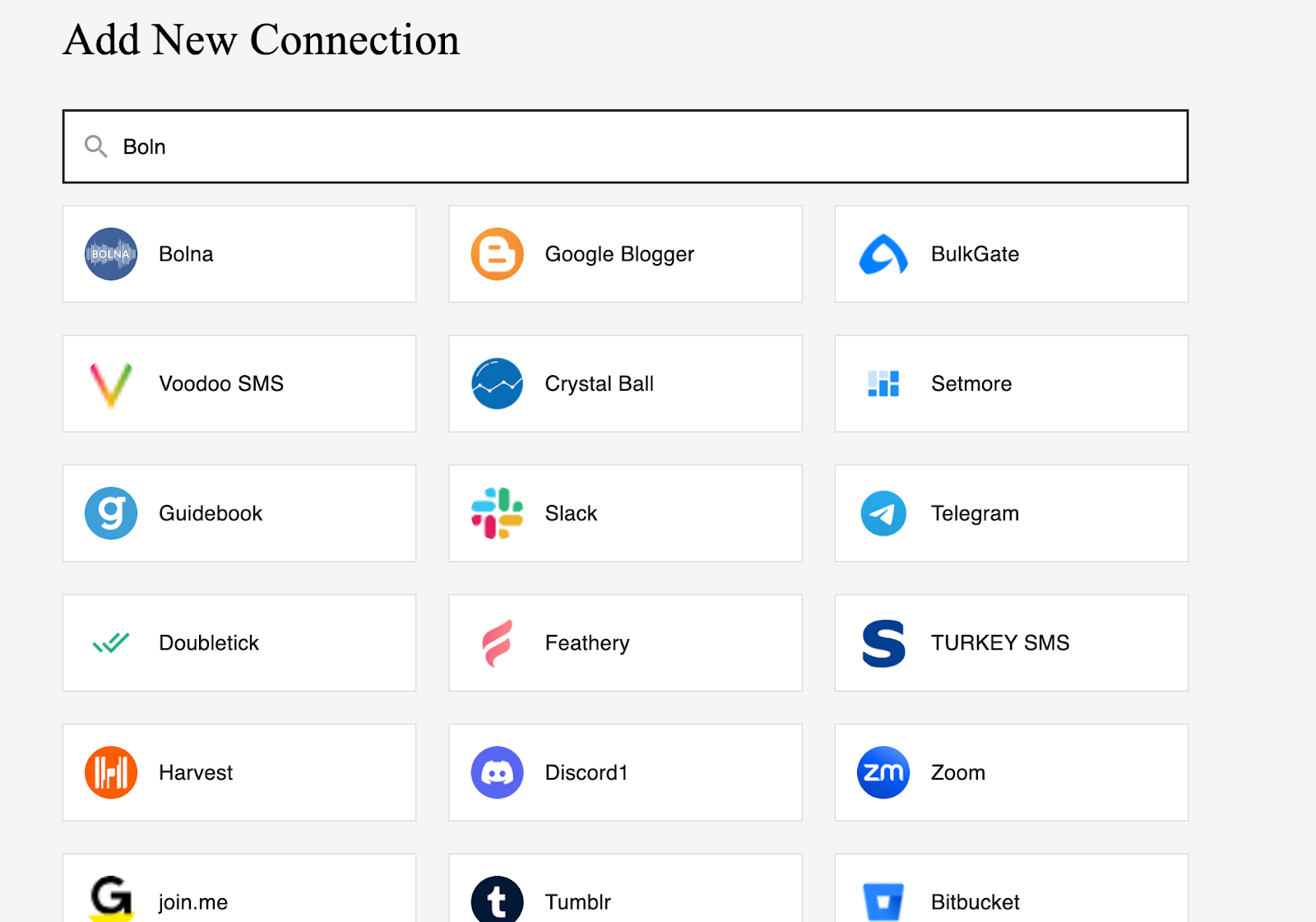
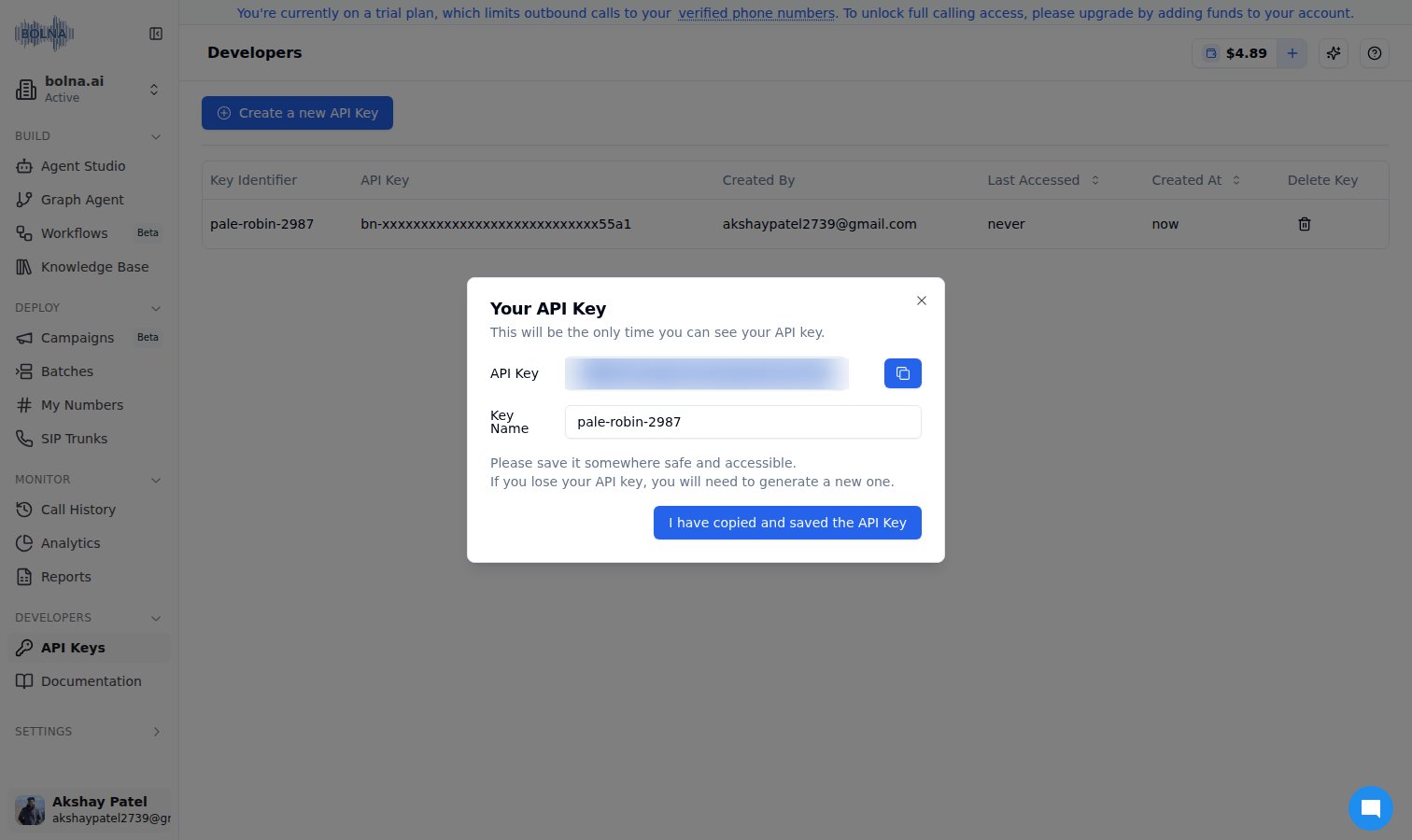
A simple step-by-step guide to integrating Bolna Voice AI with viaSocket by creating an API connection. This integration will allow you to automate workflows efficiently by connecting voice commands from Bolna to various apps in viaSocket.