

Use your own Twilio account to make outbound calls
We store your Twilio credentials securely using Infisical.
- Navigate to Settings → Integrations from the left menu bar, filter by Telephony, and click Connect on the Twilio card.
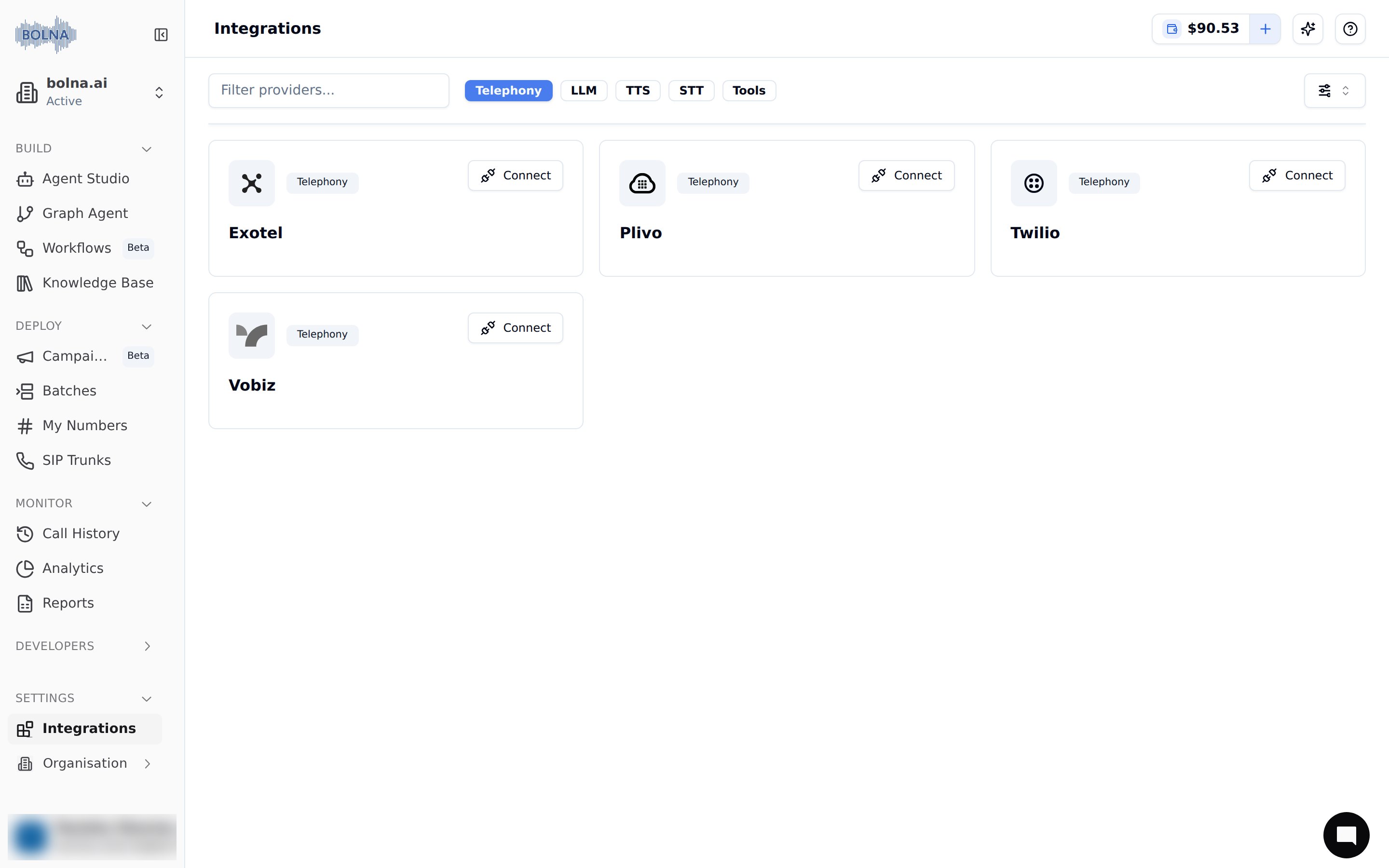
The Twilio card on Settings → Integrations
- Fill in the required details.
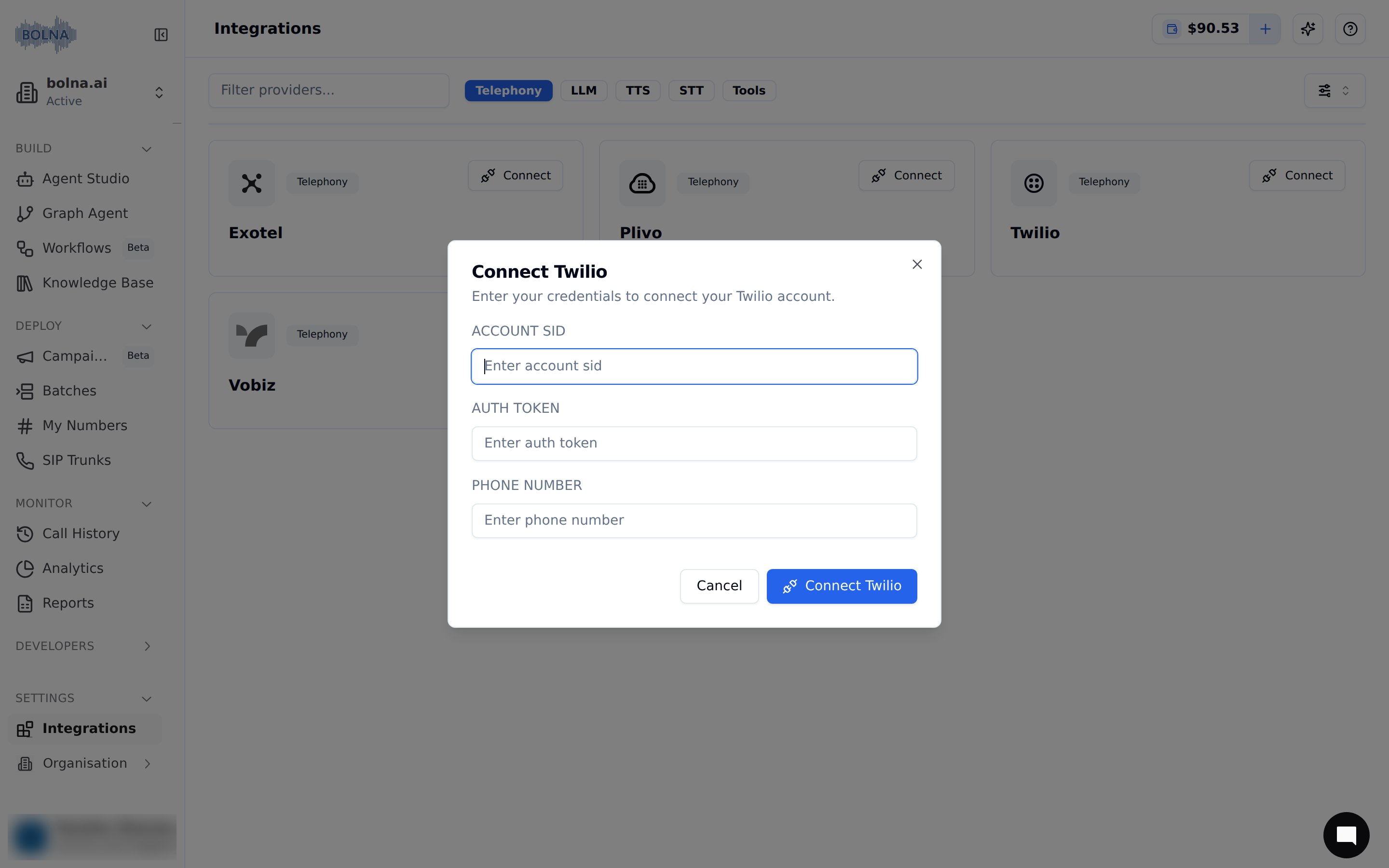
Provide Twilio details
- Save details by clicking on the connect button.
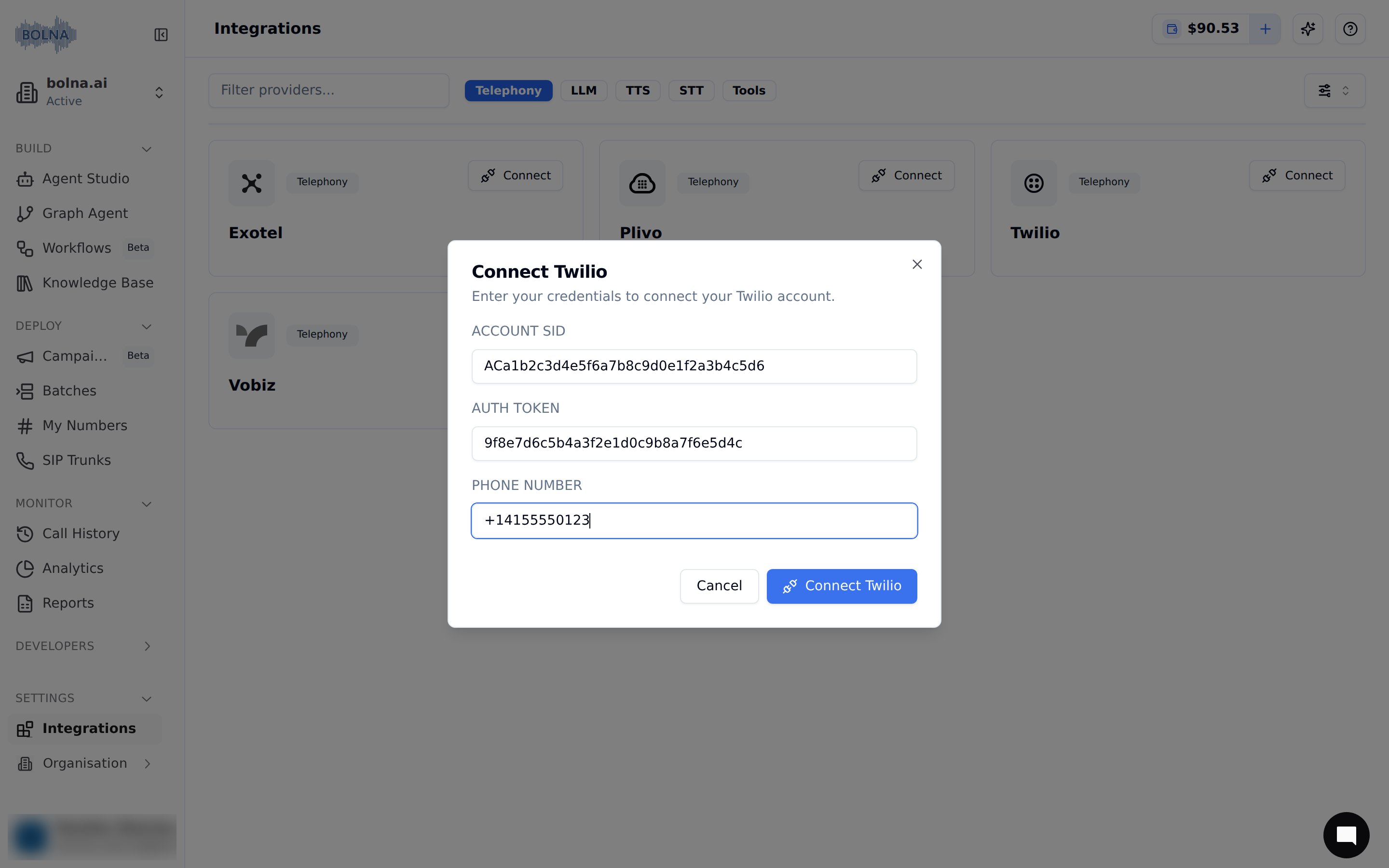
Connect your account
- You’ll see that your Twilio account was successfully connected. All your calls will now go via your own Twilio account and phone numbers.
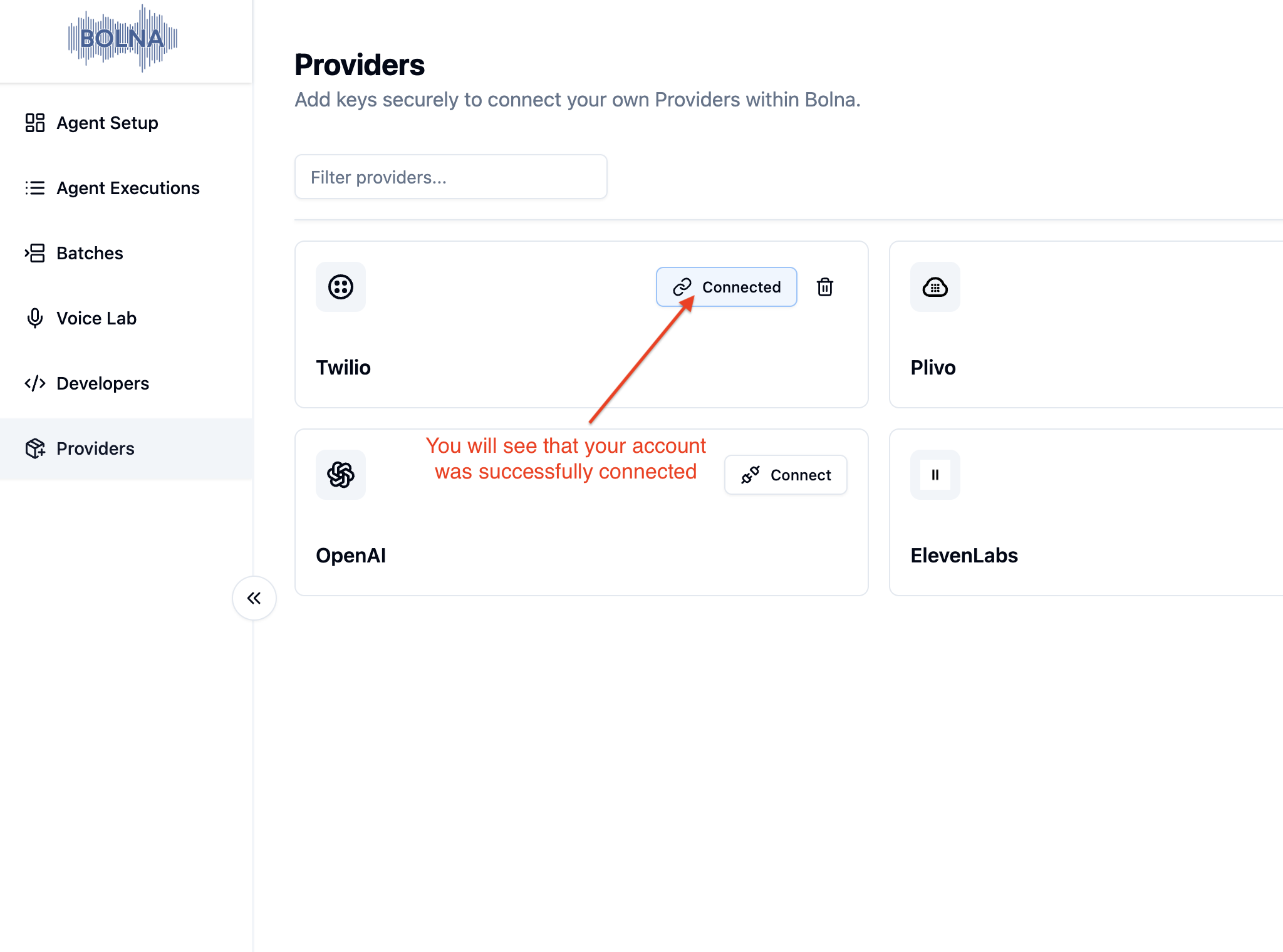
Your Twilio account is now securely connected